Google Calendar, both ways
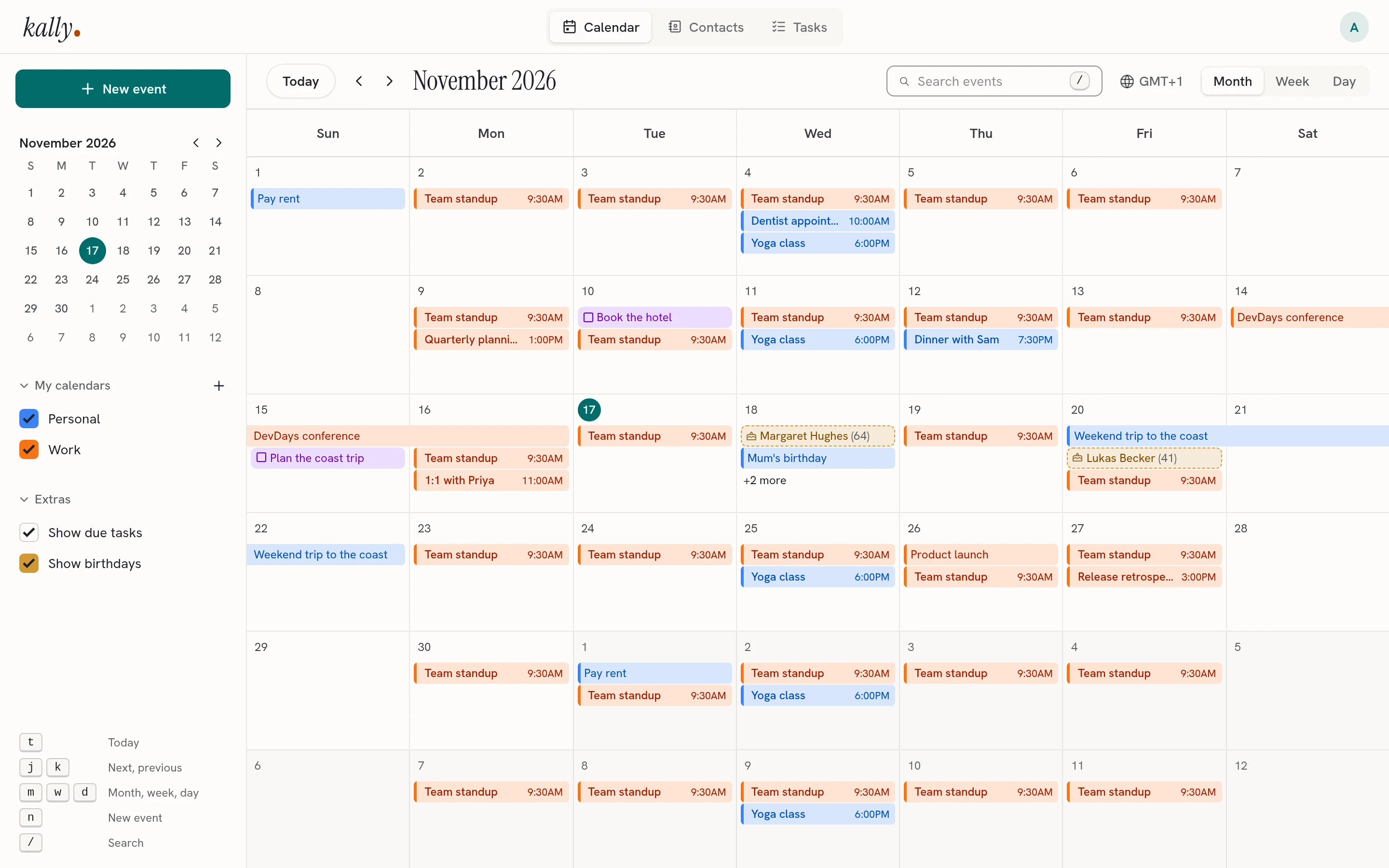
Link any number of Google accounts and their calendars sit next to yours, in the web app and on every device. Edits sync in both directions.
kally syncs with the apps already on your phone and computer, and gives you a web app for the rest. Install it once for yourself and the people you share it with.
Free software, GPL-3.0 Docker Compose or NixOS
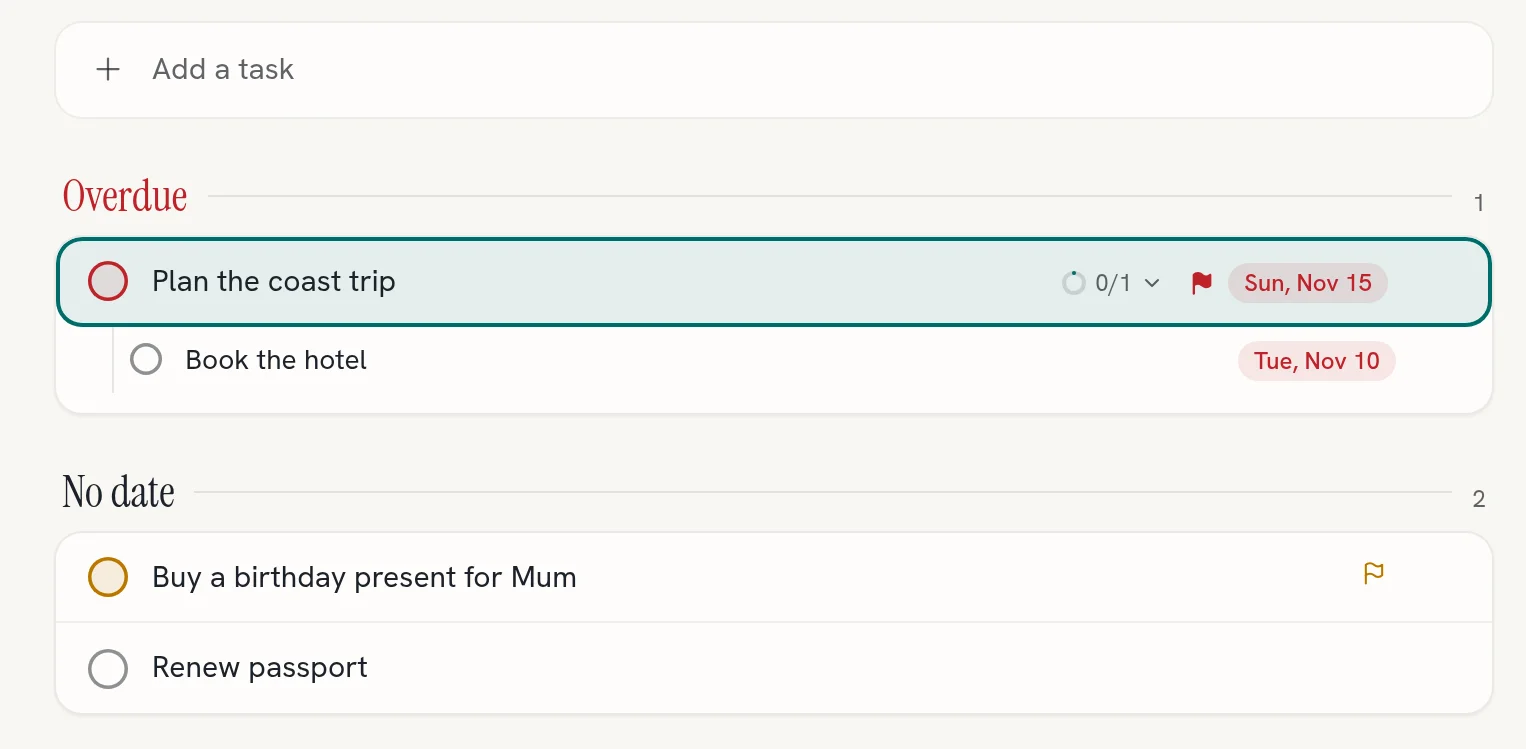
To-do lists with subtasks, priorities and due dates. A task with a date shows up next to your events, and you can tick it off right there.
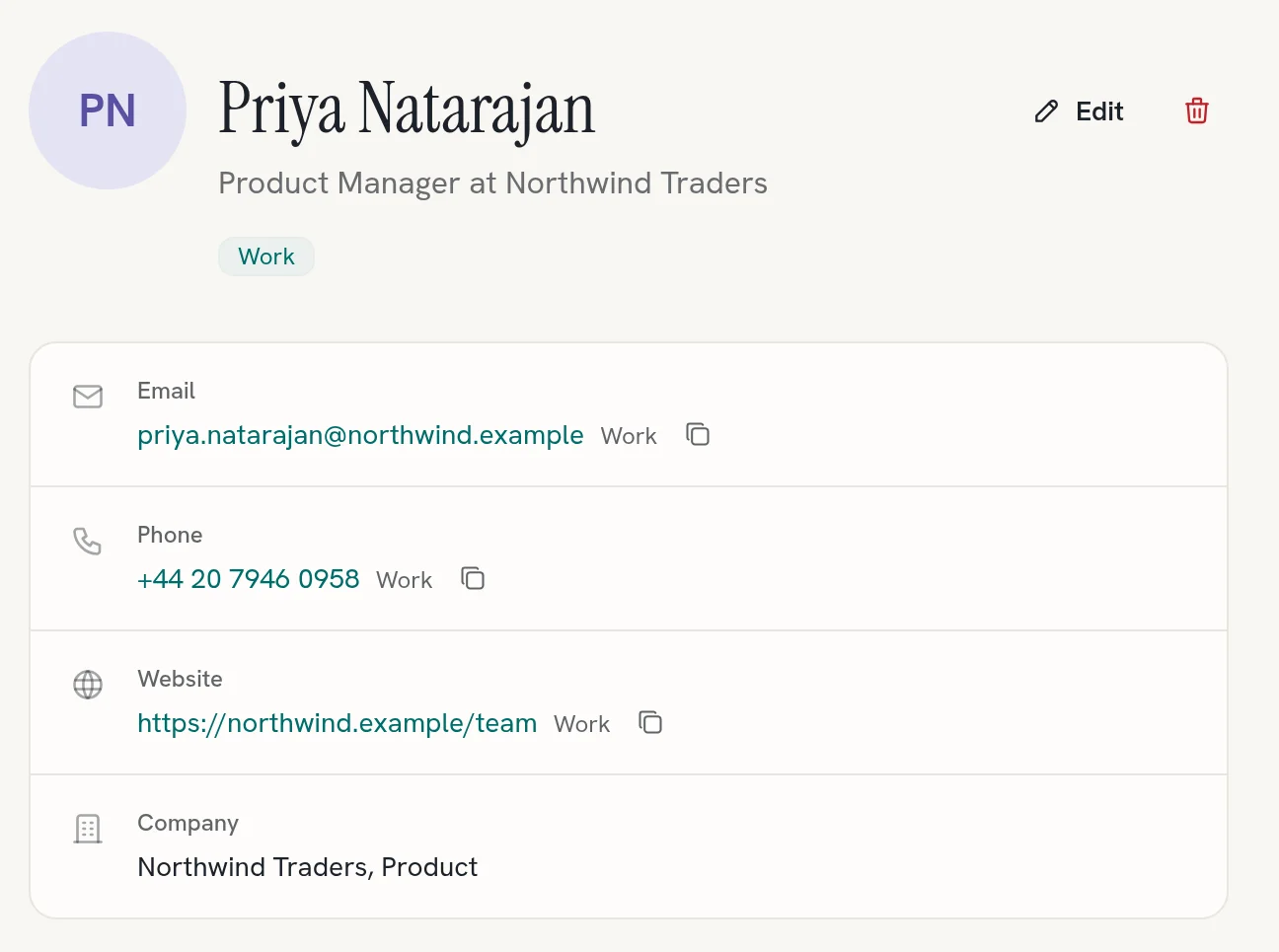
Address books with groups and photos. Every birthday lands on your calendar, and your phone gets them as a Birthdays calendar too.
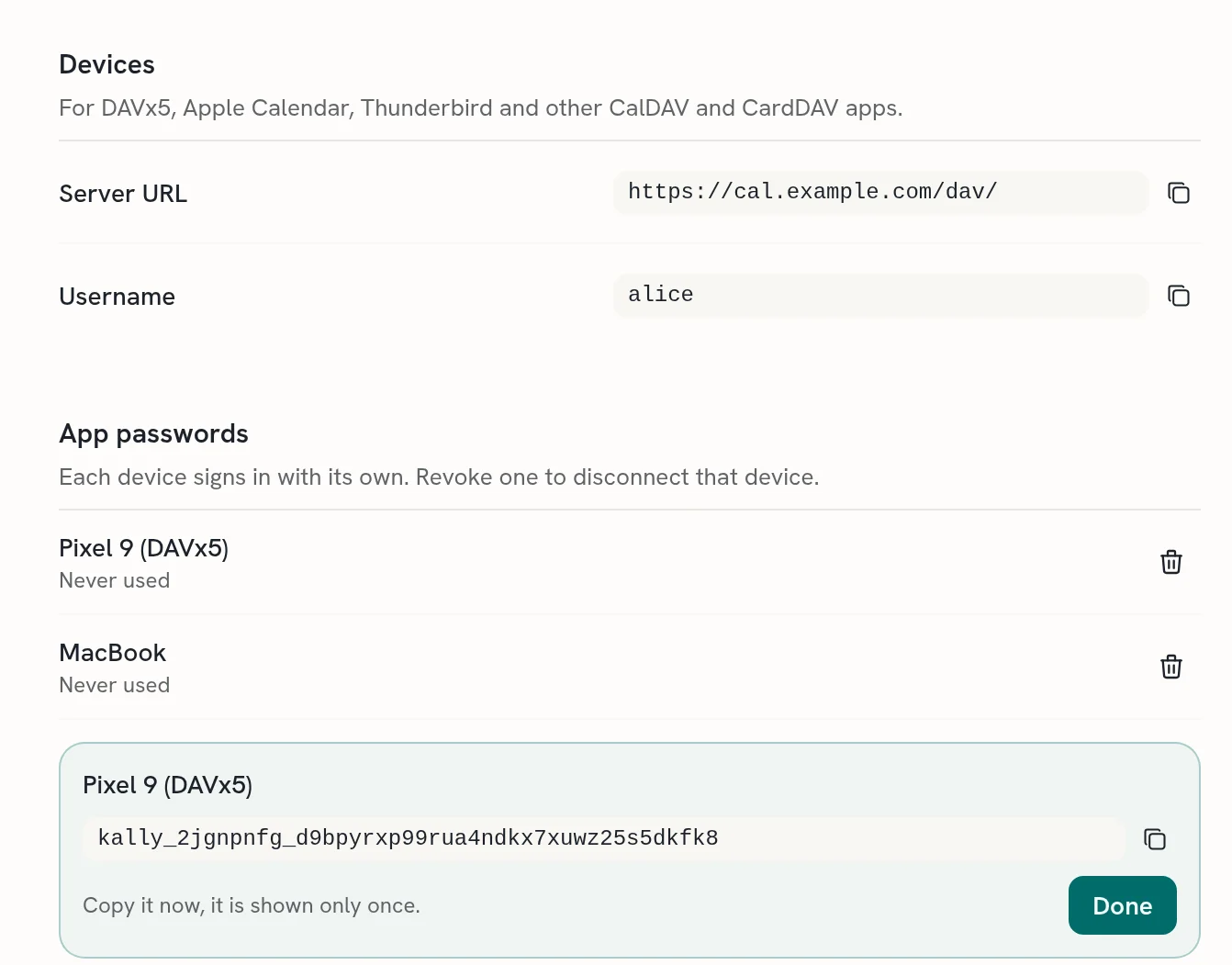
DAVx5 on Android, Calendar and Contacts on iPhone and Mac, Thunderbird, or any CalDAV and CardDAV app. Each device gets its own password, and you can revoke one without touching the others.
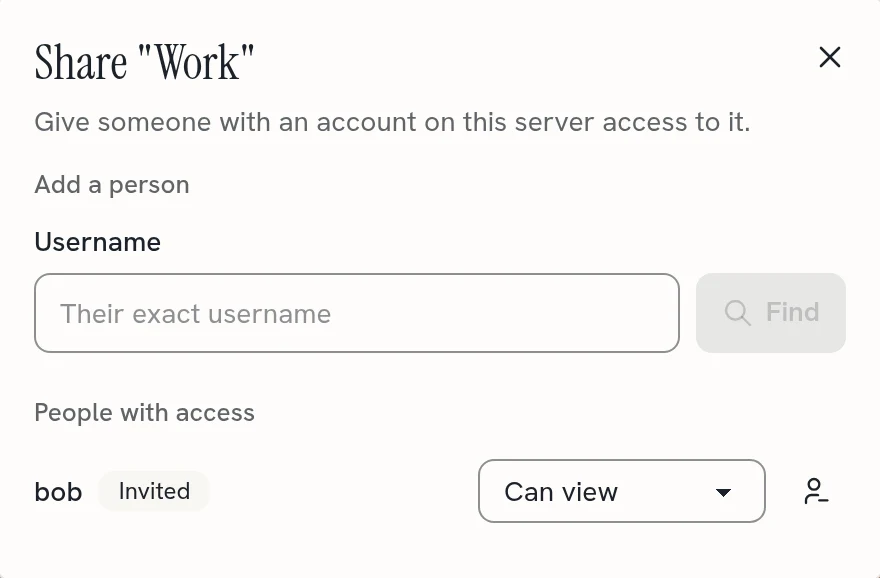
Give someone on your server view or edit access to a calendar, task list or address book. Once they accept, it shows up on all their devices.
Link any number of Google accounts and their calendars sit next to yours, in the web app and on every device. Edits sync in both directions.
Passwords, single sign-on through any OpenID Connect provider, or both.
The web app follows your browser’s language, or the one you pick in Settings.
Bring your calendars and contacts in from anywhere, and take them with you.
Create, reset and disable accounts from the admin pages or the command line.
A built-in MCP server lets agents read and change your calendars, contacts and tasks. They sign in with OAuth, and you can disconnect each one in Settings.
Clone the repository, set a session secret, start it and create your first account. Everything lives in one Postgres database, so there is one thing to back up. Running it on a real server, behind TLS or on NixOS, is in the deployment guide.
git clone https://git.cumsek.com/kally/kally.git && cd kally
cp .env.example .env
sed -i.bak "s/^SESSION_SECRET=.*/SESSION_SECRET=$(openssl rand -hex 32)/" .env && rm .env.bak
docker compose --profile app up --build -d --wait
printf '%s' 'a long password' | docker compose --profile app exec -T app \
  kally-admin create-user admin --admin --password-stdin
# Then open http://localhost:8080 and sign in as admin.
Needs Docker with Compose v2.24 or newer.